How do I add actions like send text, send email and wait?
Published on: 03/11/2026
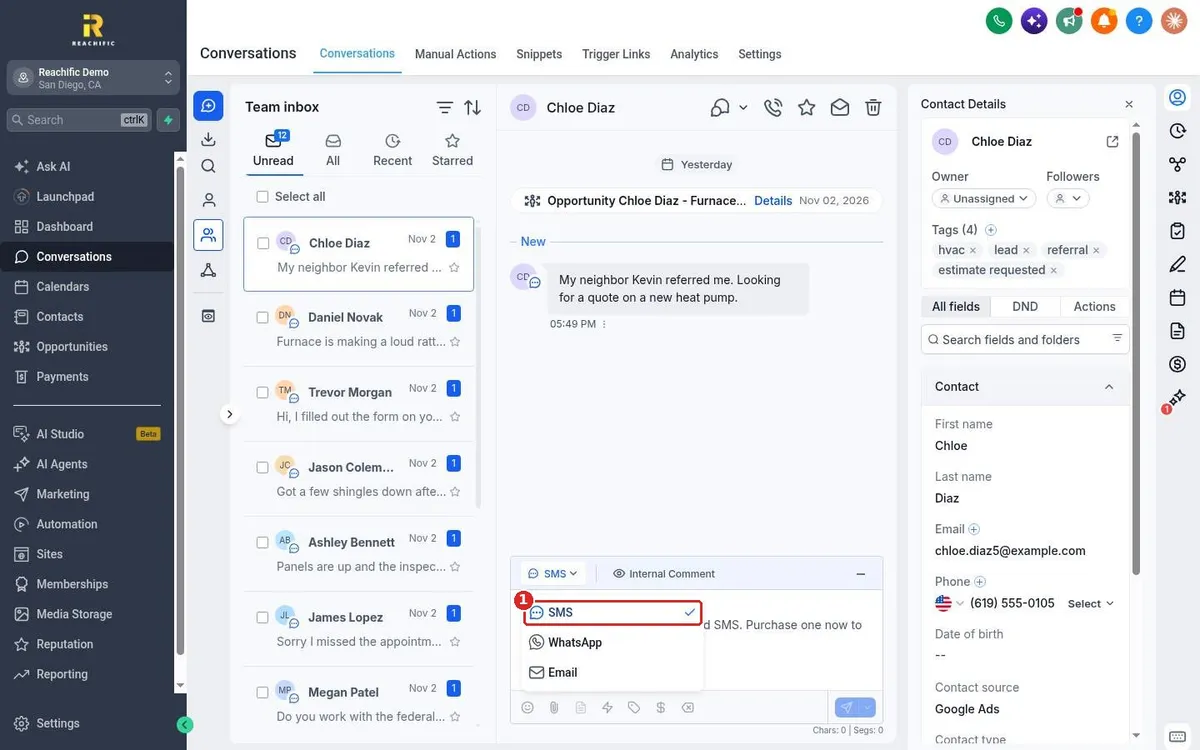
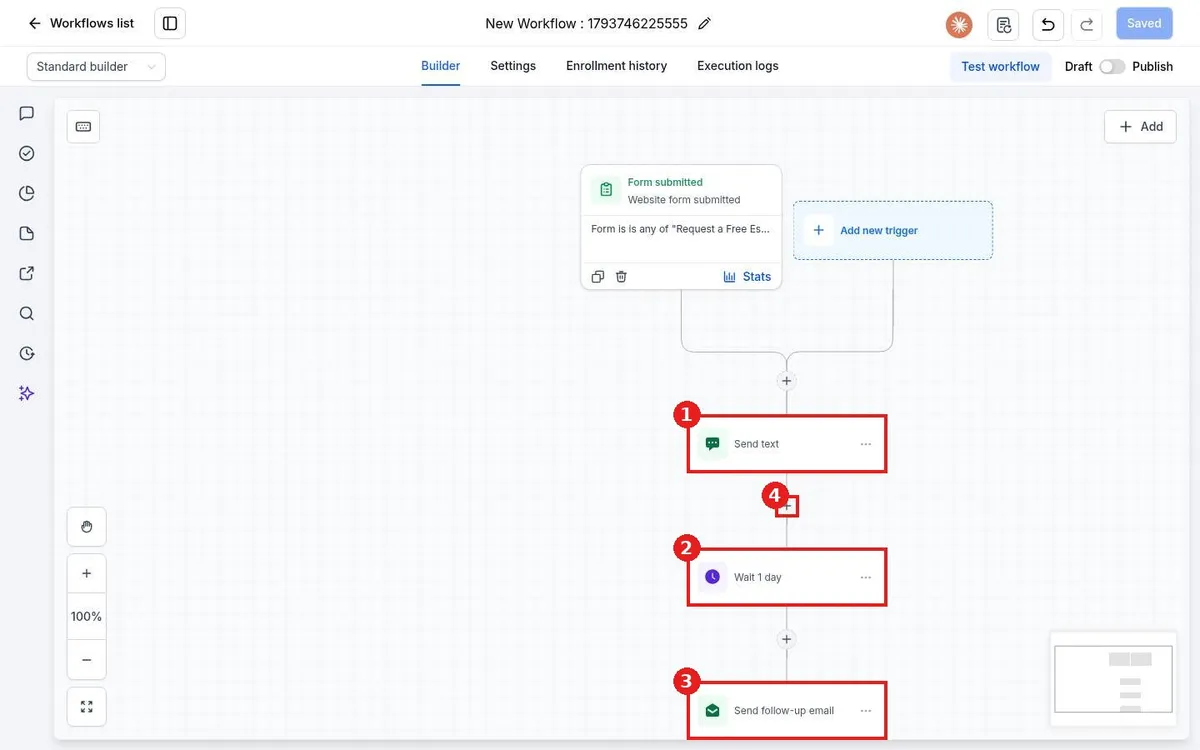
Add workflow actions in Reachific: open the workflow, click the plus under the trigger or a step, search the Actions panel for Send SMS, Send Email or Wait, fill in the action and save it, then repeat for the next step.
workflow actionswait stepsend SMSsend emailhelp center